

Seasonal Activities
Create Your Own Min-Book!

Venn Interactive

A double and triple venn interactive for use on interactive boards.


Directions:

1. Click on the "+" sign above to add initials to a bubble.

2. Click and drag the bubble to the diagram in the correct spot.

To delete a bubble click the "-" sign and then the bubble you wish to delete
Related Activities

Using Triple Venn Diagrams in the Classroom - Guide
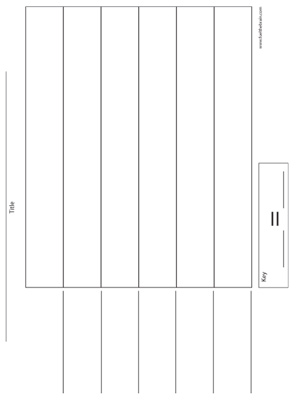
Pictograph Template - Printable
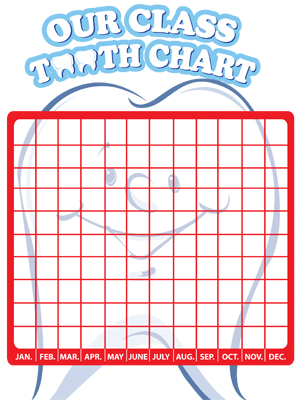
Tooth Chart - 11 x 17 - Printable
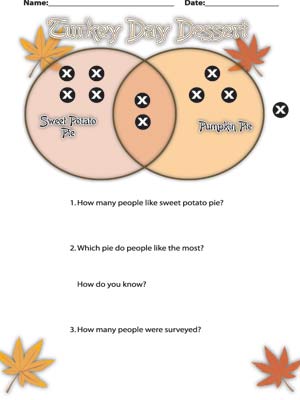
Turkey Day Dessert Double Venn w/ Questions - Printable
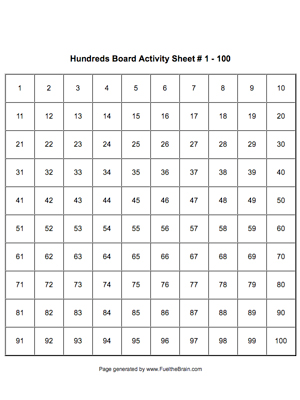
Hundreds Board Activity Sheet - Printable
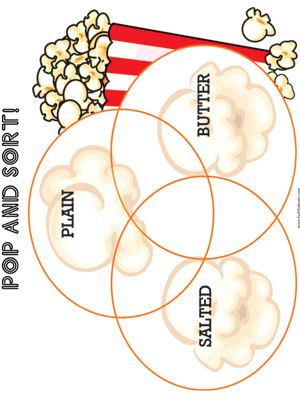
Pop and Sort - Printable
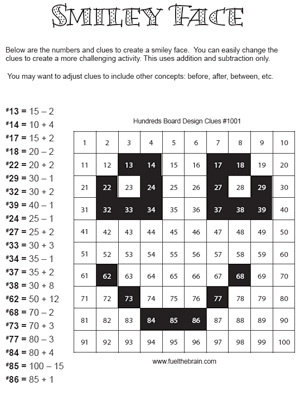
Hundreds Board Design - Smiley - Printable
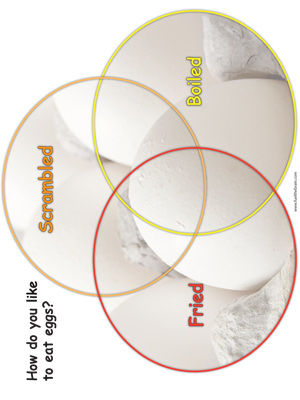
Eggs Venn Diagram - Printable
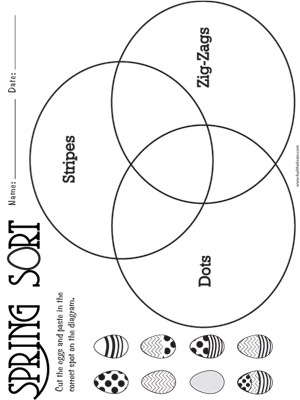
Spring Sort - Printable
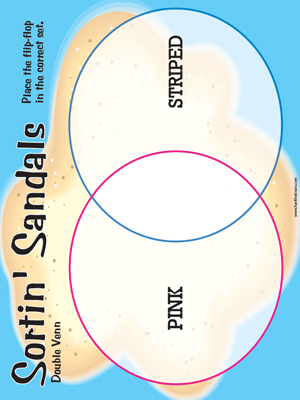
Sortin Sandals Double Venn - Printable